Private by default
Run Ledgerra on your own server with PostgreSQL storage, JWT authentication, personal access tokens, and deployment settings you control.
Self-hosted personal finance
A full-featured personal finance tracker built for homelabs — accounts, budgets, savings goals, analytics, and CSV exports, with your data staying on your own server.
Product tour
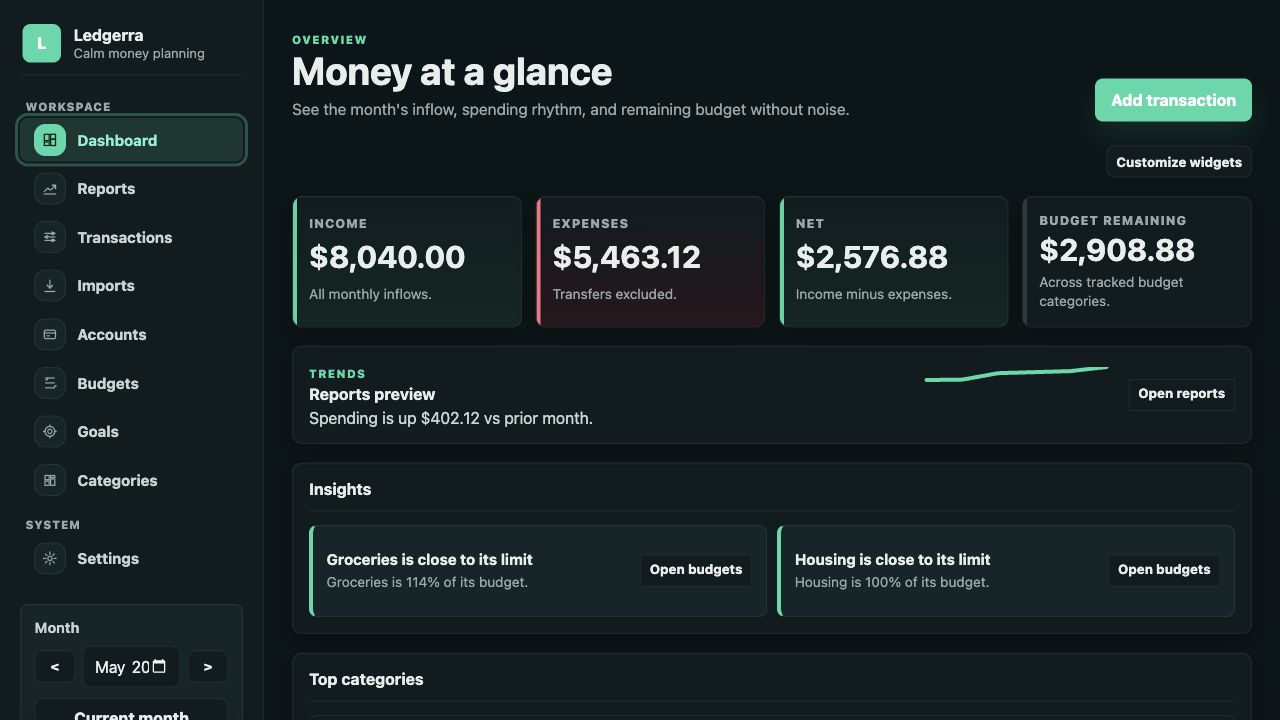
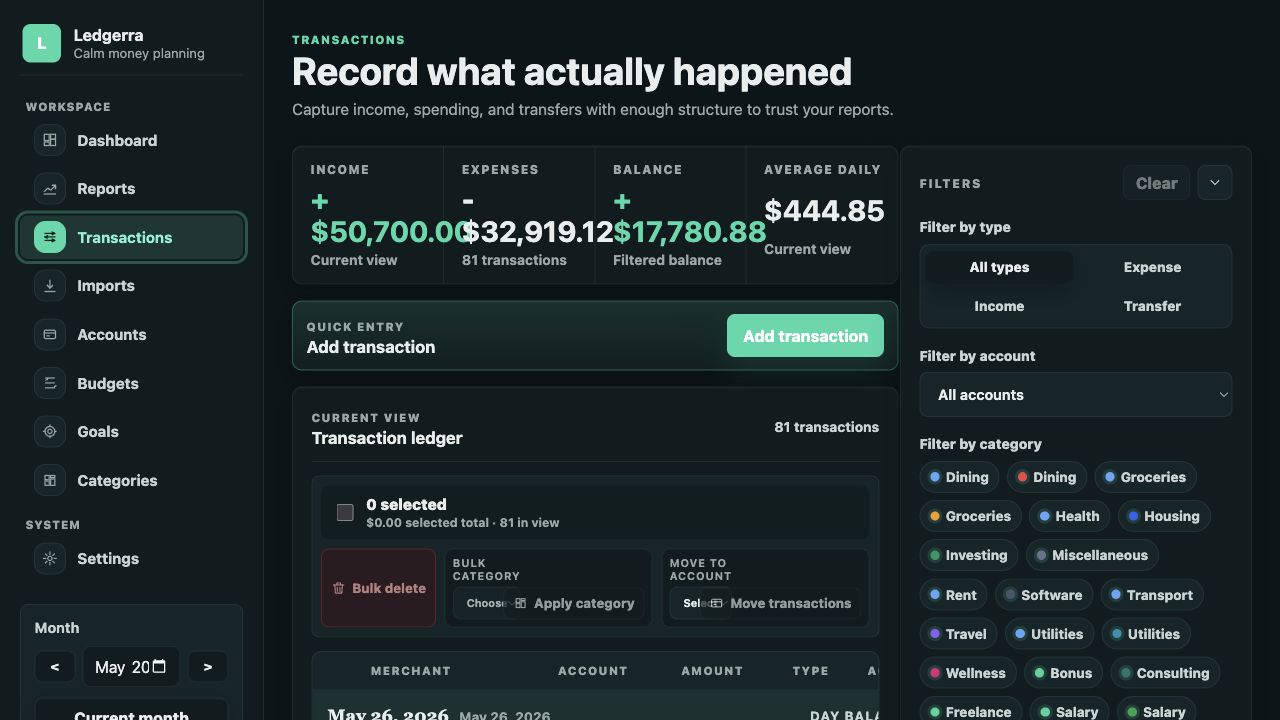
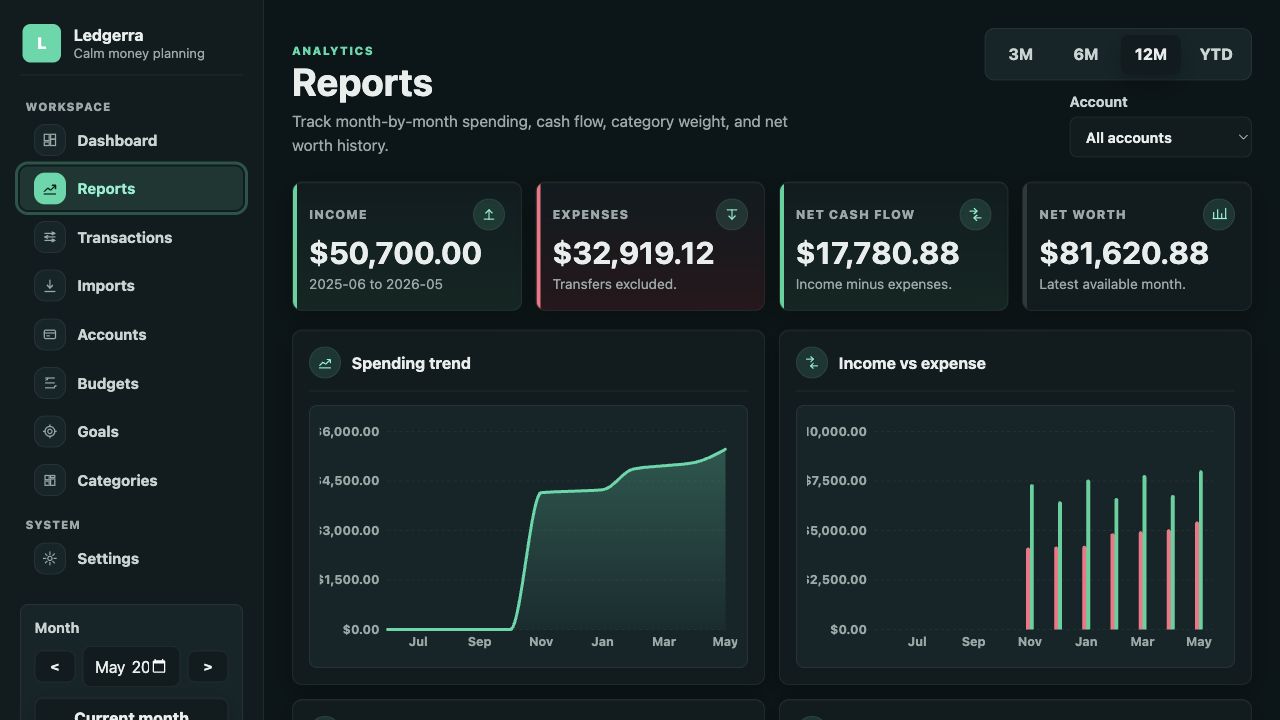
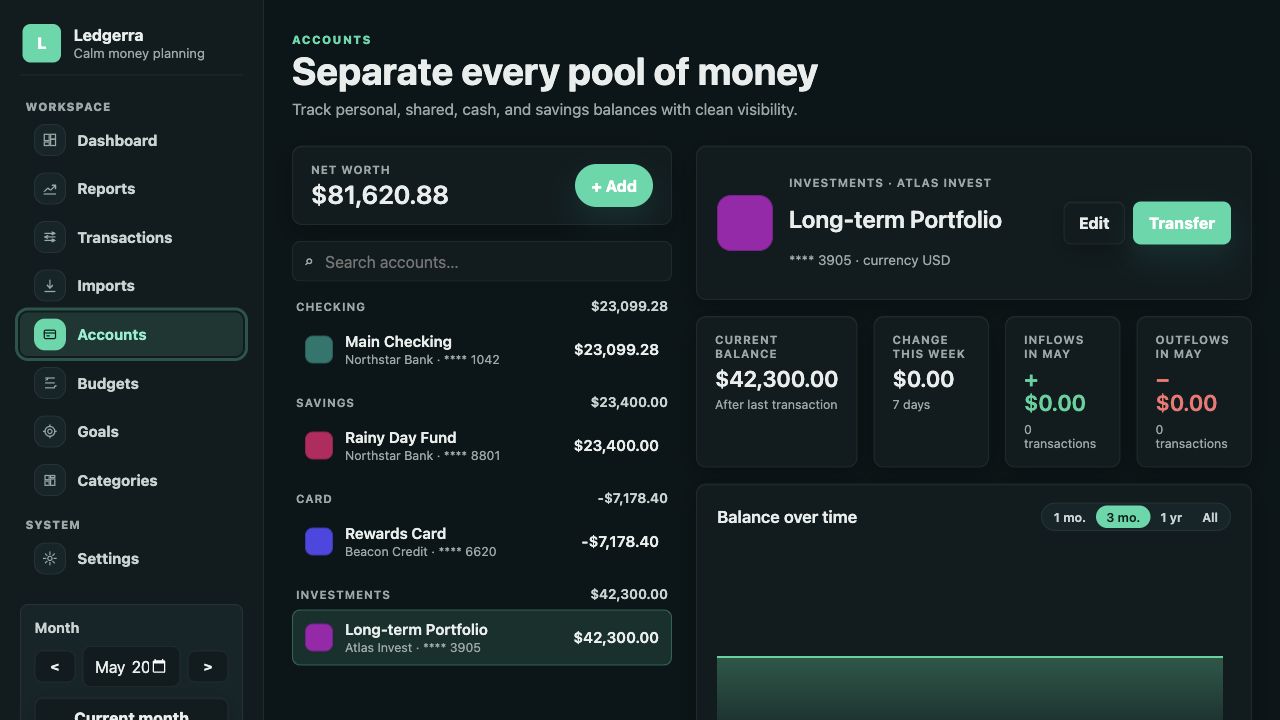
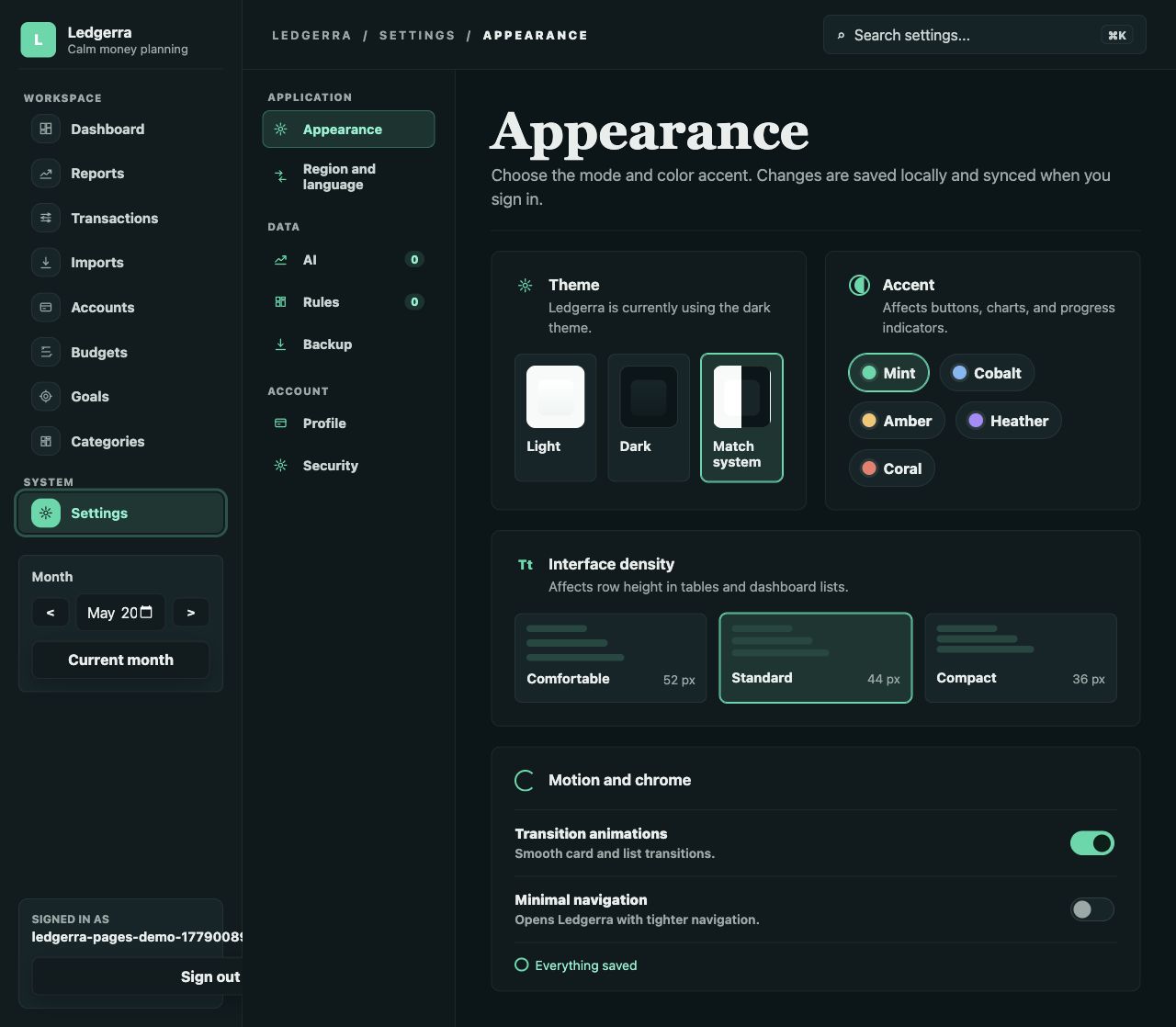
Ledgerra is built around practical daily views: a calm dashboard, a structured transaction ledger, reporting charts, account detail, and appearance controls for the way you work.
What it does
Run Ledgerra on your own server with PostgreSQL storage, JWT authentication, personal access tokens, and deployment settings you control.
Add, edit inline, split, and bulk-categorize transactions. Set up recurring templates, use advanced filters with shareable URLs, and transfer between accounts without distorting reports.
Plan monthly category budgets, track savings goals with progress linked to real transfers, and monitor all accounts with balance charts and net worth summaries.
Customizable dashboard widgets, period income vs. expense charts, and AI-assisted monthly report analysis via any OpenAI-compatible provider.
Export transactions, budgets, and categories to CSV. Back up your full dataset and restore it at any time. Import bank statements via CSV or PDF with AI-assisted field mapping.
Mobile-responsive PWA with dark mode and i18n support. Tagged releases publish multi-arch Docker images and deployment templates for Unraid, TrueNAS SCALE, and Linux hosts.
Stack
Ledgerra pairs a typed React frontend with a .NET API and relational persistence, wrapped in Docker for self-hosted environments.
Run it yourself
docker compose pull && docker compose up -d
Release builds publish PostgreSQL-backed backend and frontend images to GitHub Container Registry, plus ready-to-edit deployment files for NAS and Linux hosts. Set the release tag, database password, signing key, and storage path before first start.
Use the release stack and env template with appdata storage at
/mnt/user/appdata/ledgerra.
Paste the custom app YAML into TrueNAS 24.10+ and point Postgres at a dataset-backed host path.
Download the generic release compose file, copy the env example, then pull the tagged images.
Release assets
Pushing a version tag runs checks, builds multi-architecture Linux images, publishes them to GHCR, and attaches deployment assets to the GitHub Release.
docker-compose.yml and env.example